Changelog

Follow new updates and improvements to Backtrack.

August 21st, 2026

This update introduces the new Library, more powerful measure tool, and a refreshed design.

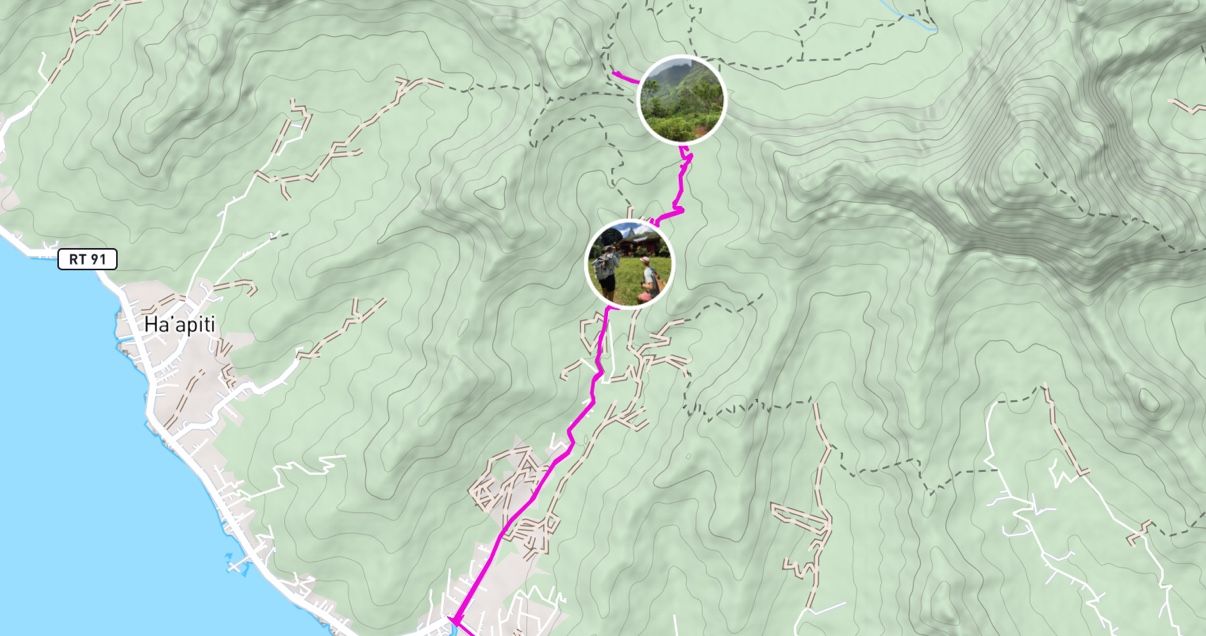
Your Library

Your maps have a new home. The new Library makes it easy to find and manage the maps you’ve created, saved, and downloaded in one place.

Your Library

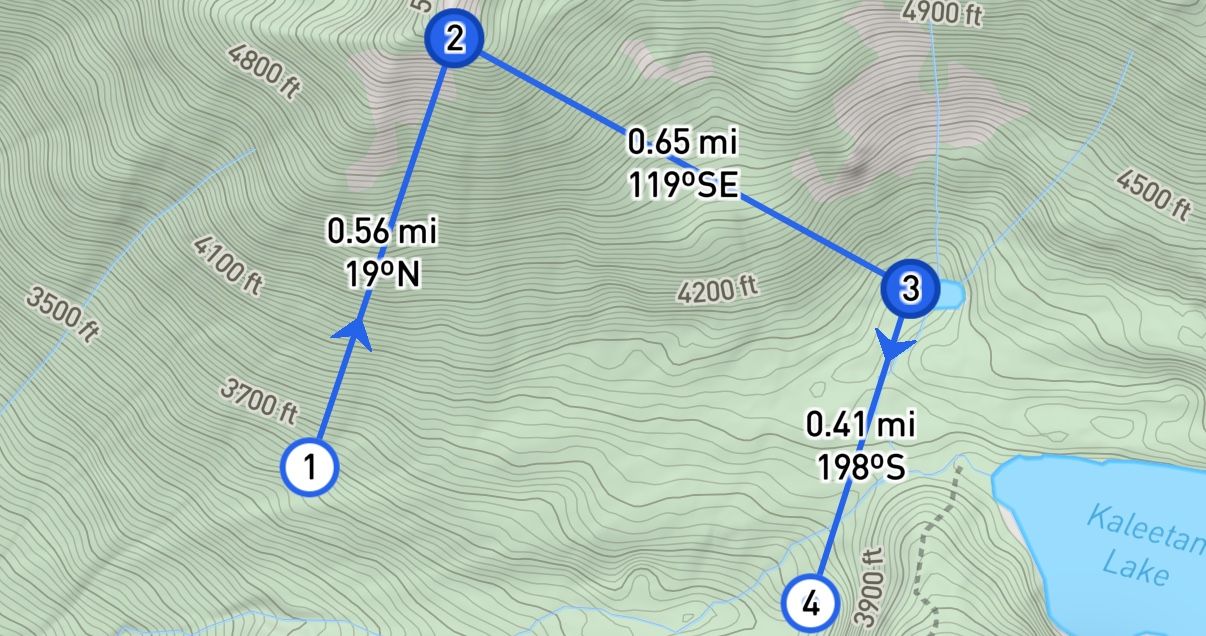
A More Powerful Measure Tool

As you measure, you can now see distances for each segment, elevations at individual points, and bearings between points.

A More Powerful Measure Tool

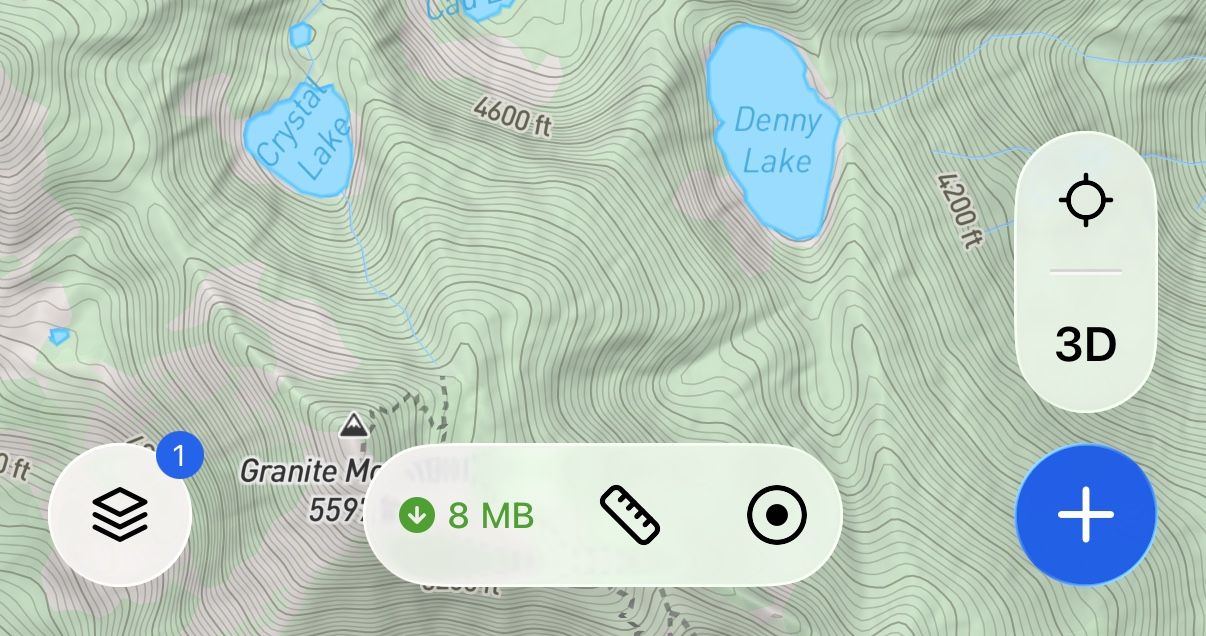
Refreshed Design

Backtrack now supports Liquid Glass on iOS, and Edge-to-edge layout on Android, bringing a fresh, modern look that highlights your map content. The new map toolbar allows for easier access to tools like measure, record, and downloads.

Refreshed Design

July 15th, 2026

New

This update introduces Map Modes, more detailed base maps, improved offline downloads, and a new Private Land layer.

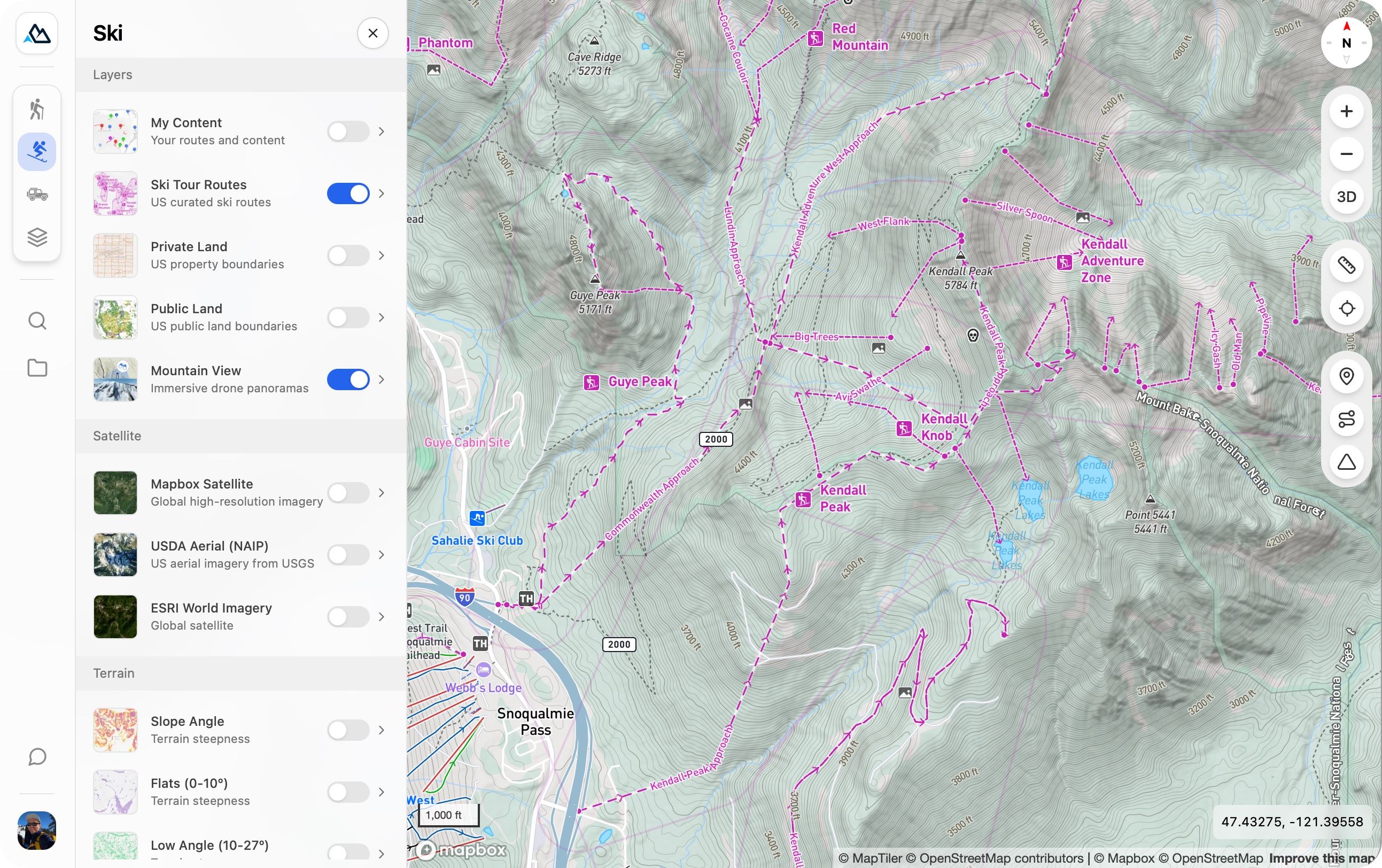
Hike, Ski, Off-Road

Map modes make it easy to switch between map setups tailored to your activity.

Hike, Ski, Off-Road

Redesigned Base Maps

Each mode uses a redesigned topo base map with activity-specific details, including trails, trailheads, lake labels, national park / wilderness boundaries, and off-road tracks. Other improvements include high resolution hillshading from 1m DEM data and a refreshed color palette.

Improved Offline Downloads

Offline maps are now faster and more capable, including reduced download sizes, faster download performance, and background downloading. Additionally, slope shading can now be downloaded for offline use.

Improved Offline Downloads

Private Land Layer

A new Private Land layer shows land boundaries and ownership across the United States. Use it to help confirm that campsites, off-trail routes, and access points are on legal ground before you head out.

Private Land Layer

May 16th, 2026

New

This update makes route planning faster, simpler, and more intuitive.

All-New Route Builder

A completely redesigned route builder makes planning routes easier than ever. Select your snap mode and easily add new points, drag existing points, and undo at any time.

Perfect Your Route

Instantly create an Out and Back route, Reverse your route direction, or quickly add a Back to Start segment with a single tap.

Perfect Your Route

Measure Tool

Measure distances directly on the map with the new Measure Tool. Try it out from the new plus menu.

Measure Tool

May 4th, 2026

This update enhances elevation profiles, giving you better context and real-time awareness as you move along your route.

Elevation profile route markers

View route markers directly within the elevation profile to better understand key points along your journey.

Elevation profile route markers

Live position on elevation profile

See your current location in real time on the elevation profile as you progress along the route.

Live position on elevation profile

Click and drag to measure route segments (desktop)

Select any portion of your route on desktop to view the distance and elevation gain between points.

Click and drag to measure route segments (desktop)

March 11th, 2026

Improved

This update brings improvements to both map sharing and marker icon selection, making it easier to collaborate on maps and quickly find the right icons for your points.

What’s new

More flexible map sharing

  • You can now share maps with specific users, not just broad visibility settings.

  • Set per-user permissions such as View only or Editor.

  • This allows sharing a map link with general view-only access, while allowing a specific subset of collaborators to edit.

More icons for markers and improved picker

  • Expanded the marker icon library with many new options, including safety, hazard, activity, and transport icons.

  • Added search bar so you can easily find the icon you’re looking for.

Other improvements

  • You can now search the map by latitude + longitude coordinates.

  • Maps with header images or descriptions will now display those on desktop, matching the mobile experience.

Many of these improvements came directly from feedback in the new Backtrack Discord community. If you have ideas, feature requests, or things that could work better, we’d love to hear them. Join the Discord to chat with the team and community, or submit your ideas to our public feedback board. Your input helps shape what we build next.

December 4th, 2025

All-New Offline Functionality: Your maps, routes, folders, and other content now sync to your device automatically and are stored in a local database.

This means you can view, edit, and create routes, markers, and folders offline and everything syncs once you're back online.

This is our biggest step yet toward making Backtrack the most reliable mapping tool in the backcountry. Enjoy the new offline experience!

Smarter Map Downloads

Choose a region and the layers you want, and Backtrack will package everything for offline use. Your downloads now apply across all your map content, making it easier than ever to prep for a trip.

Smarter Map Downloads

Create New Routes Offline

You can now create new routes, markers, and folders offline in the field and your changes will be synced once you're back online. Perfect for marking where you stashed that gear.

Create New Routes Offline

View 3D Terrain Offline

Explore fully rendered 3D terrain without cell service, and optionally download additional layers like satellite imagery. Toggle layers on and off in the field to see the landscape exactly how you want it.

View 3D Terrain Offline

Offline Elevation Profiles

View detailed elevation profiles even when you’re offline β€” including for brand-new routes you create in the field.

Offline Elevation Profiles

November 20th, 2025

New

All terrain layers have been rebuilt using high-resolution LiDAR data (1m), increasing the level of detail by over 10x.

New overlaysβ€”including Aspect, Hillshade, and Slope Highlightβ€”expand your toolkit for understanding terrain.

The following layers are brand new on the mobile app:

Aspect Shading: Visualize terrain orientation with new aspect shading overlay.

Aspect Shading: Visualize terrain orientation with new aspect shading overlay.

Slope Angle Highlight: New overlay to highlight specific slope angle ranges to identify terrain steepness relevant to your activity.

Aspect Highlight: Highlight customizable aspect ranges to zero in on terrain facing the direction you care about.

Hillshade Layer: A new hillshade layer provides realistic shading and enhances terrain readability across all zoom levels.

April 9th, 2025

New

We’re thrilled to announce that Backtrack is now available on the Google Play Store! πŸŽ‰

Android users can now plan and share their outdoor adventuresβ€”right from their phones. Whether you’re hiking, biking, skiing, or just exploring, Backtrack gives you the tools to map your journey and discover public routes from the community.

What you can do with Backtrack on Android:

β€’ 🌲 Discover maps shared by others

β€’ ✏️ Create and edit custom maps

β€’ πŸ” Access terrain, satellite, and other advanced layers

β€’ πŸ“‘ Use offline maps in the backcountry (with Backtrack Pro)

We can’t wait to see where your adventures take you.

πŸ‘‰ Download Backtrack on Google Play

February 2nd, 2025

You can now embed your Backtrack maps directly on your own website! πŸ–₯οΈπŸ“

β€’ Showcase your adventures, routes, or trip plans anywhere.

β€’ Easily share interactive maps with your audience.

β€’ Works seamlessly on blogs, trip reports, and more.

Try it out today and bring your maps to life! πŸš€βœ¨

Access from the share modal:

February 2nd, 2025

Improved

πŸ†• Fullscreen & Easier Navigation!

β€’ High-Resolution Fullscreen View – Immerse yourself in stunning Mountain View panoramas like never before.

β€’ Seamless Panorama Navigation – Use the new arrow buttons to effortlessly explore connected views.

Try it out now! β›°οΈπŸ”